

Clearing up common instax™ camera mix-ups
Summer’s basically peak instax™ season. Festivals, beach days, road trips, garden parties: it's the time of year you want a print of every moment. It’s also when a lot of people are getting their first instax™ camera, so plenty of people are getting to know how theirs works for the first time.
Nine times out of ten, an instax™ camera not working comes down to something small and fixable rather than a trip to the repair shop. It could be a tired battery, a setting that's slightly off, or a film door that opened at the wrong moment. Most of it you can sort yourself in a minute or two, no tools required. Here’s your clued-in cheat sheet to the questions people ask most, so you can fix it fast and get back to the good stuff.
Why is my instax™ camera not working?
Short answer: it's almost always batteries, film, or a setting. Before you stress, have a quick think about what changed. Did you just load a new pack? Swap the batteries? Knock the dial or cover something with a finger? Most of these moments trace back to one of those three things, and each one has a quick fix below. Work through them in order and you'll usually land on the culprit without much faff.
The orange light is flashing, what does that mean?
A flashing orange light near the lens is the thing people flag most, and it usually points straight at the batteries. Whether it's an instax mini 13™ flashing orange light or any other model, an instax™ camera flashing orange typically means the batteries are low, have been put in the wrong way round, or aren't the right type.
Pop in a fresh set of alkaline batteries (not rechargeables), double-check the plus and minus ends line up, and do the swap with the camera switched on, which helps it clear the error and re-detect the new batteries. That alone stops the blinking for most people. A quick blink while the flash charges between shots is totally normal, so you can ignore that one. If the light keeps flashing even after fresh batteries, that points at the camera itself rather than the power, and it's worth getting it checked.
Want the official word? Here's instax™ on the orange flashing light, plus a note on flashing lights on the instax mini 11™ and older models.

Your print came out blank, too dark, or too bright
Got a print that’s come out blank or just… white? That's almost always light reaching the film before it should. It happens when the film door is opened after a pack is loaded, because instax™ film is light-sensitive and only wants light at the exact moment you take a shot. The upside: if you carry on shooting, the first few might come out blank while the rest develop as normal. If a fresh pack still prints white with the door firmly shut, swap the film for another pack.
Too dark or too bright is a different story. Most instax™ cameras, the instax mini 13™ and instax mini 41™ included, set exposure automatically, so the usual cause is something getting in the way. Keep your fingers clear of the light sensor and flash on the front, keep a lit subject within flash range (roughly arm's length to a few metres), and never point the lens straight at the sun or a harsh light source. On older models with a brightness dial, line the dot up with the lit setting and you're good to go.
Full detail lives on instax™: blank or white prints, and prints coming out too dark or too bright.

The camera won't turn on or eject a print
If nothing happens when you try to power up, start with the batteries, since a flat set is the most common reason an instax™ mini stops responding. Pop fresh alkalines back in, then make sure the lens is twisted or pulled out fully to its "on" position, because the camera won't work until it is fully out.
If it powers on but won't push a print out, check the film next. The pack needs to be seated properly with the yellow marks lined up, the film door shut, and at least one shot left on the counter. Never try to force a print out by hand, as that can jam the rollers, so let the camera do the work. A print that comes out solid black usually means the lens didn't extend all the way, so the shutter never opened. Press the shutter firmly with the lens fully out and try again.
Genuine faults are rare, but they do happen. If you've worked through all of the above and it's still not playing ball, here's what to do about a faulty camera, and why prints develop solid black.
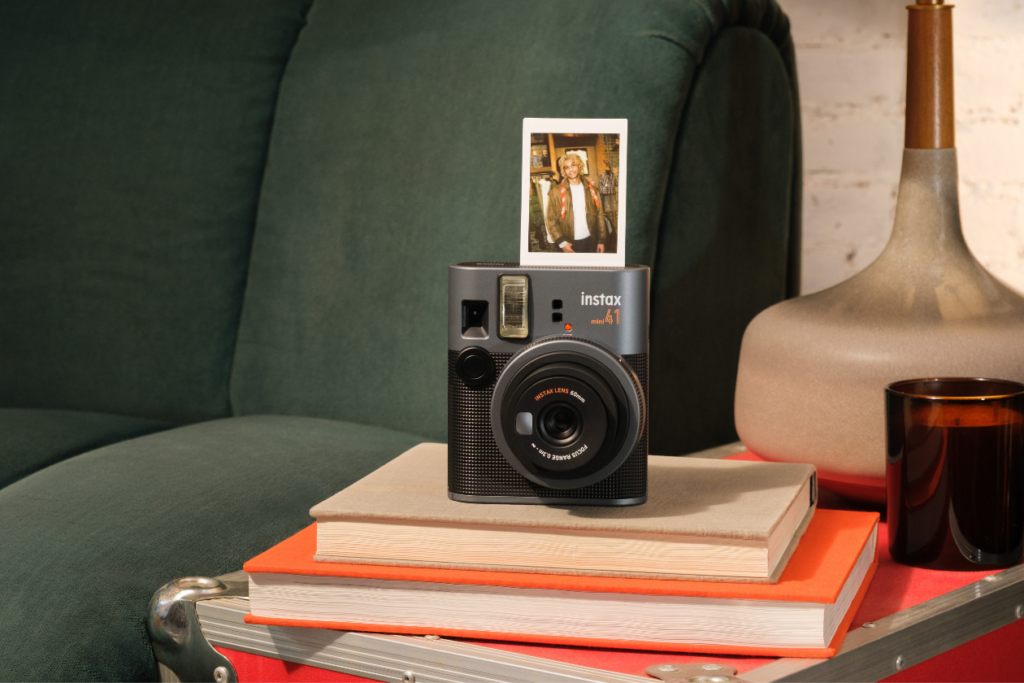
Before you panic, run this quick checklist
Most issues fall out of the same short list. Run through it before assuming anything is wrong with the camera itself:
- Fresh alkaline batteries, lined up the right way (swap them with the camera on)
- Film loaded with the yellow alignment marks matched up, and at least one shot left
- Film that’s still in date, since a pack past its use-by can affect print quality
- Film door kept shut since loading, so no stray light got in
- Lens twisted or pulled out fully to its working position
- Fingers clear of the light sensor, flash, and lens
- A lit subject within flash range, with no harsh light directly behind them
Run that top to bottom and you'll fix most issues in under a minute, no panic required. One more thing worth knowing: instax™ mini film is sold separately from the camera, so it's always handy to keep a spare pack around in case a tricky print was simply down to a dud frame.
How do I stop this happening again?
A few small habits keep most of these moments at bay. Keep a spare set of alkaline batteries in your bag, since a flat battery is behind so many of these questions in the first place. Store your film somewhere cool and dry, out of direct sunlight, and only open a fresh pack once you're ready to load it. Give the lens a gentle wipe with a soft, dry cloth now and then, and try to keep your fingers off the light sensor when you shoot. None of it's fussy, and it keeps your camera ready the second a moment turns up.
Still not working? Here's where to go next
If you've tried everything and your camera is still not cooperating, don't panic and definitely don't bin it. Most instax™ cameras come with a 12-month warranty, so if yours is faulty and still inside that window, take it back to the retailer you bought it from along with your proof of purchase. Out of warranty? A repair can usually be arranged instead. The full help with your instax™ hub walks you through every option and answers plenty more questions besides.
The takeaway: an instax™ camera that's playing up is almost never broken, just briefly out of sorts, and the fix is usually a quick one. While you're at it, give your film a little love too: here's how to keep your instax™ film fresh and flawless so every print turns out its best.
Ready for your next adventure? Meet the instax mini 13™ and the instax mini 41™, and stock up on instax™ mini film before you head out. Now go and make some memories.