
The 'No Gatekeeping' Guide To Your New instax™
Did your festive season bring a new instax™ instant camera along with it? Welcome to the club, you’ve found yourself in the right place.
We were all beginners once.. So, if you’re an instax™ newbie and feeling overwhelmed or a little spark of imposter syndrome, here’s everything you need to know.
We’ll get you working with your instax™ camera, your way, in no time.
The first step: Getting to know your model
We have 16 instax™ instant camera models to compare and choose from. No matter the vibe you’re after, each variation has its own character. Want a classic instant camera that offers retro analogue energy? Maybe you’re after that Y2K throwback or a contemporary take with loads of extra features.
Either way, you’ll find the instax™ model that’s perfect for you.
First thing’s first. Take a look at the list below and find your new camera, then learn a little bit more about what’s in store for you and your photography journey…
Meet the minis
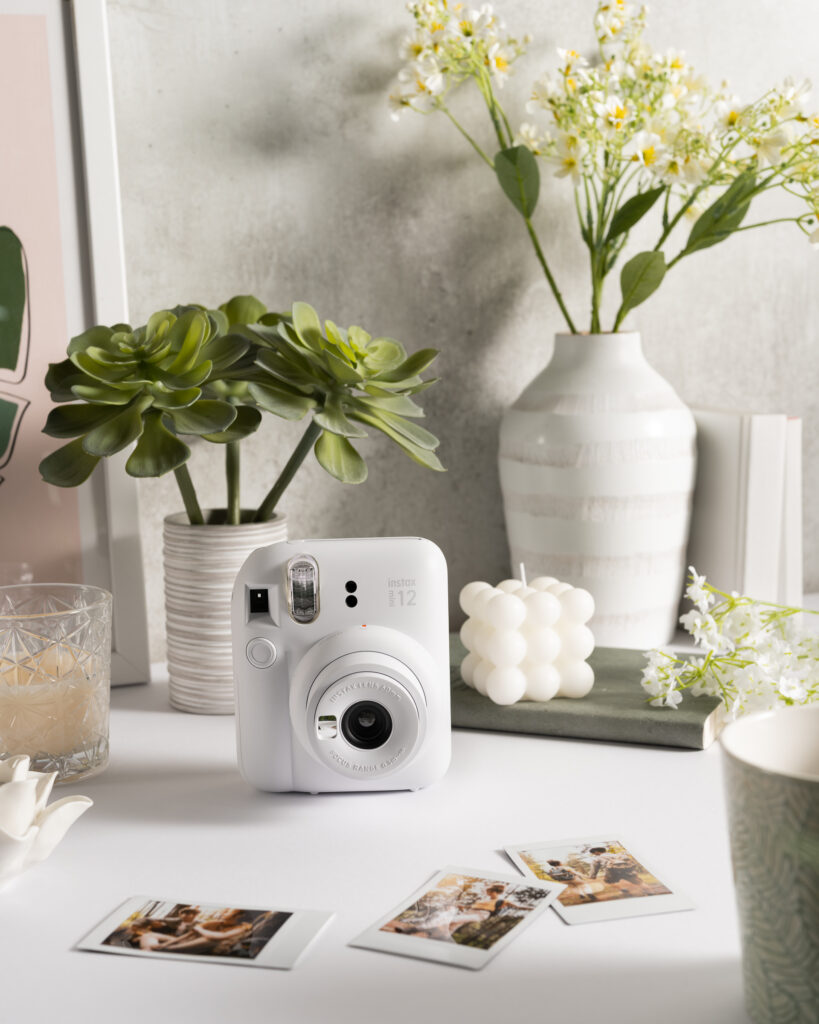
- instax mini 12™: For when you just want to pick up and shoot. Think joyful snapping with zero faff. Enjoy automatic exposure, a built-in selfie mirror, and close-up mode for snaps that feel as effortless as they look.
- instax mini 41™: Everything you love about the mini 12™, except this time with a more refined, retro-inspired look. This stylistic upgrade says goodbye to rounded ergonomics with a satisfying textured casing.
- instax mini 99™: Need creative control? You’ve got it. Spend hours playing with colour effect dials, brightness control, self-timers, vignette mode, and countless shooting options. It’s the instax™ instant camera made for experimentation.
- instax mini LiPlay™: One of the very first hybrid camera and smartphone printers, perfect for content creators and any other users who make it their mission to snap with intention. You can even preview your images before printing to make sure you get the perfect pic every time.
- instax mini LiPlay+™: Did someone say selfie camera? This model delivers. Its wide-angle front-facing camera creates grid-perfect snaps worth sharing, and the refreshed design signals a true stylistic and ergonomic upgrade.
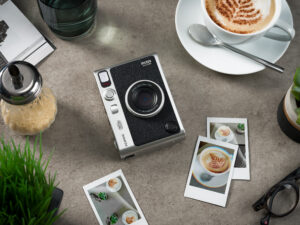
- instax mini Evo™: Where vintage style meets modern day technology. With 10 lens effects and 10 film effects available to create 100 unique combinations, it’s never been easier to take photos that instantly reflect your creative vision.
Meet the SQUAREs
- instax SQUARE SQ1™: More space, more impact. The SQUARE SQ1™ may be simple in appearance, but its intuitive features are anything but. Choose from automatic exposure, dedicated selfie mode, always-on flash, close-up focus, and more.
- instax SQUARE SQ40™: Everything you love, with a little bit extra. Think of the SQUARE SQ40™ as the SQUARE SQ1™ with an upgraded premium finish and improved user-friendly ergonomics.
Meet the WIDEs
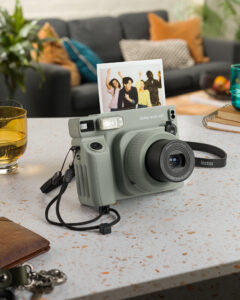
- instax WIDE 400™: The instant camera made for those big moments. Group photos at your bestie's birthday. Incredible landscapes. Family gatherings. Nobody is left out with the WIDE 400™.
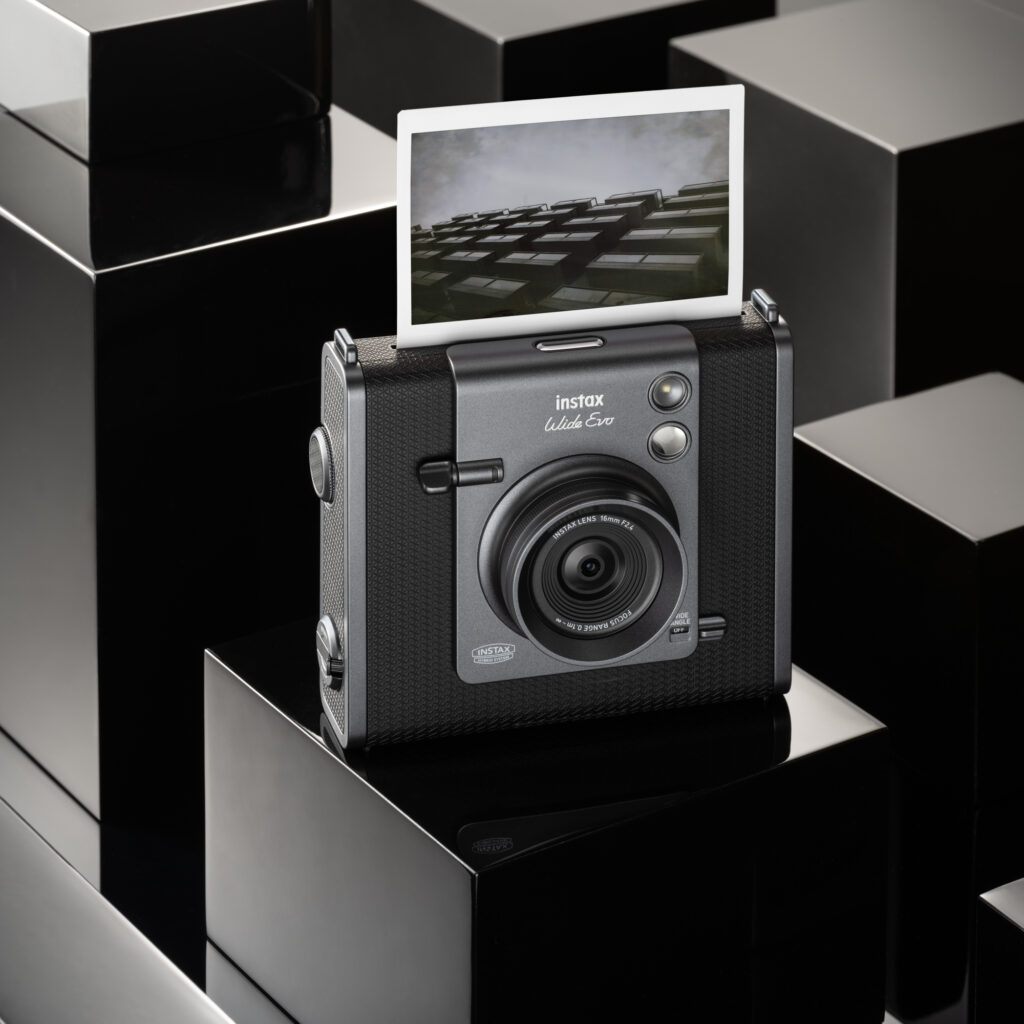
- instax WIDE Evo™: The widest shot, except this time with hybrid power. Wide-format film meets digital preview capabilities and fun lens/film effects. What we like to call creative control gone WIDE.
The only instax™ troubleshooting guide for beginners you’ll ever need
A new instant camera comes with big expectations, right? Well, it’s time to leave perfectionism and disappointment at the door.
If your first snap comes out darker than expected, slightly skewiff, or not quite hitting your aesthetic goal, don’t worry. Take a sigh of relief, because there’s no “wrong” way to use your instax™ instant camera. It’s all about creative freedom and experimentation, so try your best not to get so caught up in the aesthetics of it all.
We’ve put together this beginner’s instax™ guide to break down the most common questions we get from first-time users. Take what you need to know, build your confidence, and start snapping like you’ve been doing it your whole life.
Why do my instax™ prints always look dark?
Has your first snap revealed nothing but a dark abyss? Don’t worry, there’s an easy fix for your next shot. Instant cameras like ours need more light than the average smartphone camera because of the low-sensitivity film.
If your shots are coming out looking dark and shadowy and that’s not the vibe, it’s likely because your main light source was positioned behind your subject when you took the shot. It could also be because your room lighting was dim, the settings were incorrect, or your subject was too far away.
How to brighten your instax™ shots:
- Always face your subject towards the light, never in front of it
- Move in closer to your subject (we recommend around 1-2 metres)
- Use your flash indoors, even during the day
If in doubt, light it up. The more light the better for instax™ snaps.
How often should I use the flash on my instax™ instant camera?
Honestly? 99% of the time. The flash on our instant cameras are designed to balance exposure rather than overpower it.
The only time you should avoid the flash feature is if you’re shooting in strong and direct sunlight. Trust us, your snaps will thank you.
How to take a good selfie with an instax™ instant camera?
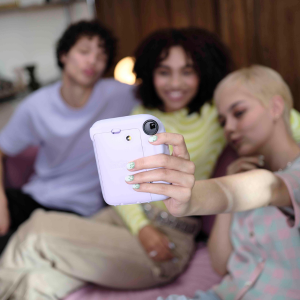
instax™ selfies are timeless. The final result is always something picture-perfect, but the selfie-taking process can often feel a little different with a back-facing camera. Unless you own one of our models with a selfie-mirror or selfie camera, that is.
Here’s how to get the ideal instax™ selfie every time:
- Hold the camera just above eye level
- Keep your arm slightly bent, not locked
- Let your face take the lead. Let it fill more of the frame than feels right
- Take another snap. The first is just a warm-up
My subject isn’t centred in the frame properly. What should I do?
What you see in the viewfinder isn’t always what the film captures, especially if you’re taking an up-close shot.
Use the tips below, and framing your instax™ shots will soon become second nature:
- Leave more space around your subject than you think
- Framing tightly creates more room for error — don’t do it
- Position your subject slightly lower than feels natural
What’s the best lighting for instax™ photos?
To achieve the best lighting, you’ll have to take note of the time of day. For the best shots, we recommend aiming for:
- Golden hour: Take your shot shortly after sunrise or just before sunset. Golden hour snaps always look warm and flattering.
- Bright indoor daylight: Try to shoot your chosen subject near a window, and turn off any overhead ceiling lights for a softer, more diffused look.
- During evening gatherings and parties: Keep the flash on at all times, and get as close as possible.
What to do once my instax™ film develops?
Once your 90-second waiting time is up, make sure to keep your print out of direct sunlight. Don’t shake the film, this won’t speed up the process. Let the image appear naturally.
Why didn’t my instax™ photo print at all?
Firstly, don’t panic. If your camera powers on and the shutter clicks, it’s likely nothing serious.
Firstly check that your film isn’t expired and the film pack is loaded into the cartridge holder properly. If all looks good, check to see if your battery is running low.
For more information, head over to our instax™ film FAQs section.
Grow your confidence with instax™
Need some more tips? Check out our instax™ instant camera manuals and instax™ 101 Analog Video Series for more information. We promise there’s no right or wrong way to use your new instax™ instant camera.
The most important thing? Keep pressing the shutter, and dare to take the photo… even if it’s not perfect. Ready to get snapping? Find some instax™ inspiration and get started.