
instax Link WIDE 2™ vs instax Link WIDE™: what's new
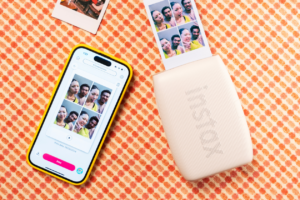
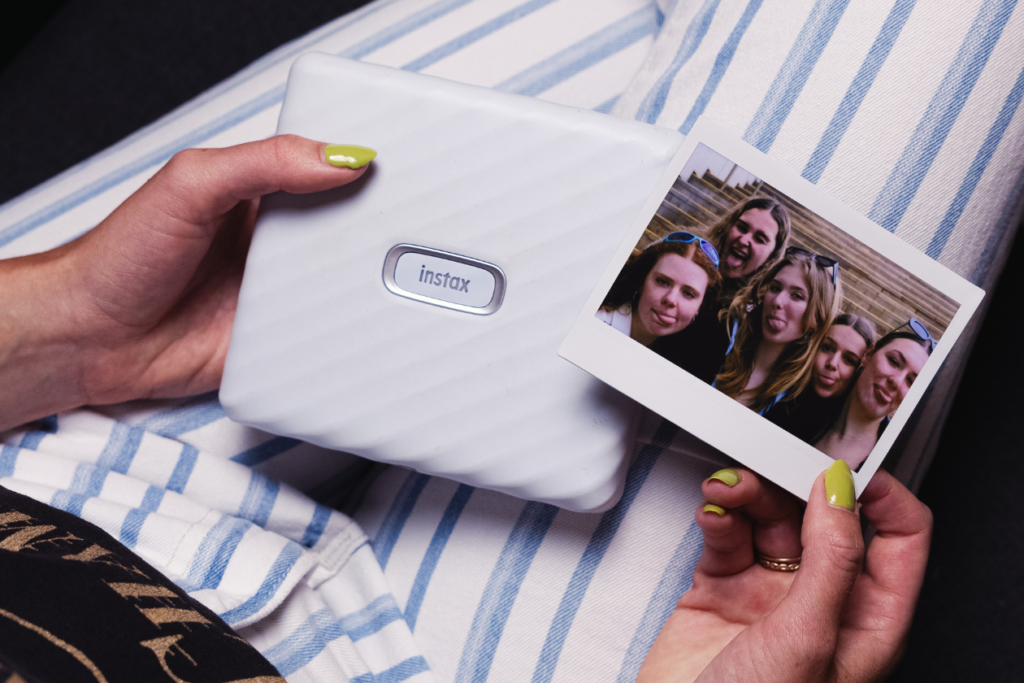
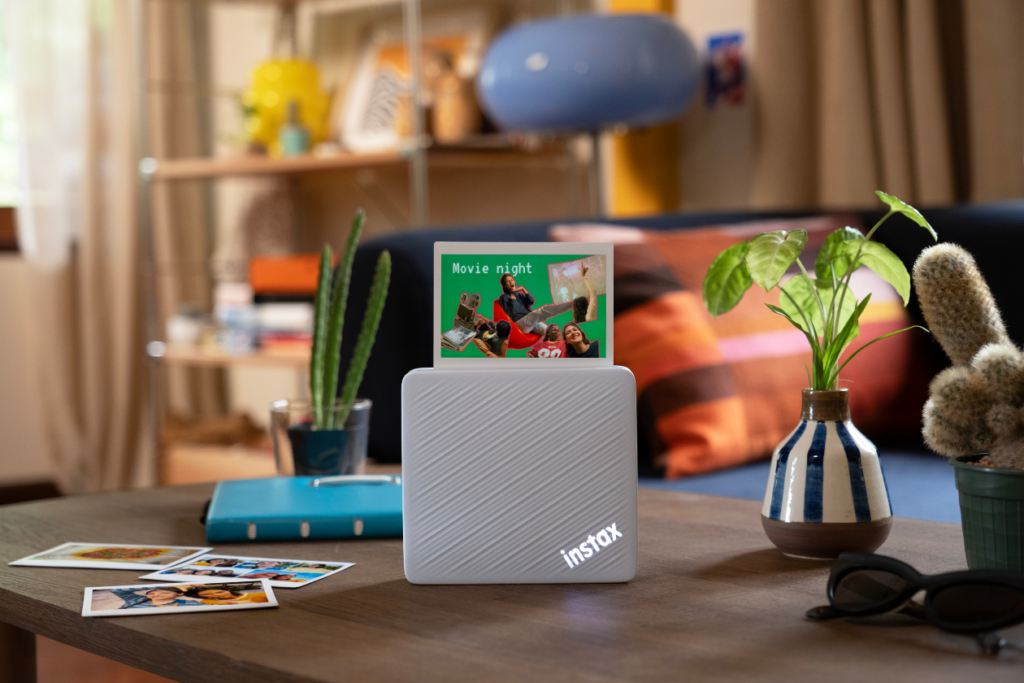
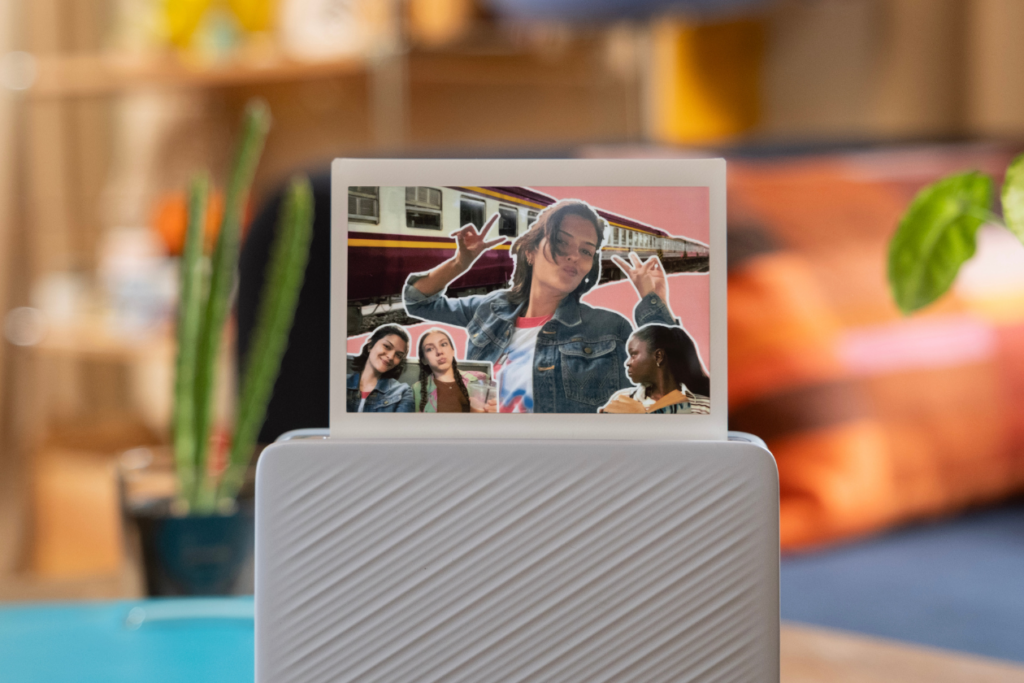
Ever tried to fit your whole friend group into one instax™ mini print, only for someone at the end to get cropped out completely? That's the exact problem instax Link WIDE™ printers were built to solve. Twice the width of a standard instax™ mini print, the WIDE format gives you the biggest prints in the instax™ lineup, big enough to get all your pals in frame. No dedicated camera required, no cables, no faff. Just your phone, your camera roll, and a pack of instax™ WIDE film loaded and ready.
instax Link WIDE 2™ has now joined the lineup. If you've already got the original sitting on your shelf, you're probably wondering whether it's worth the switch, or whether the one you've had all along has you covered. So: what's changed, what's stayed the same, and what's worth weighing up before you decide.
What made the original so easy to fall for
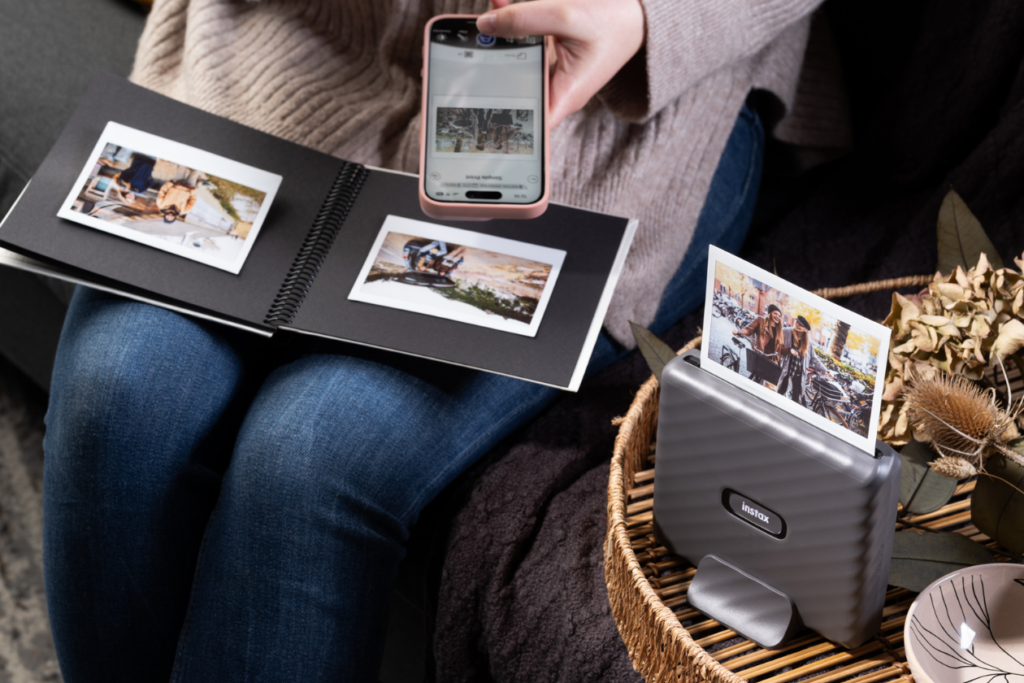
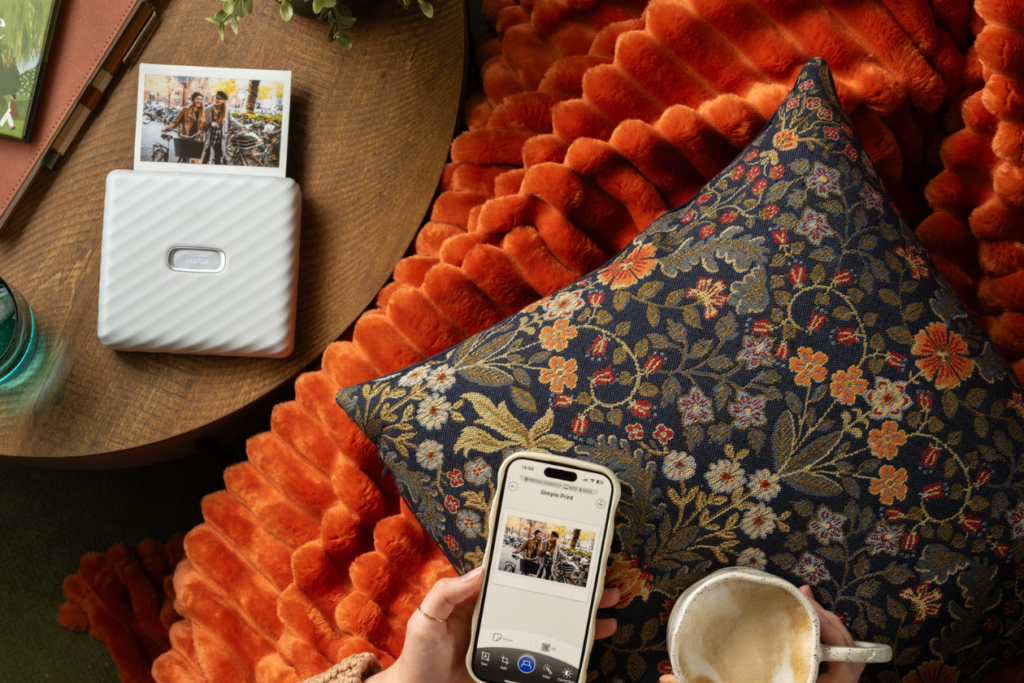
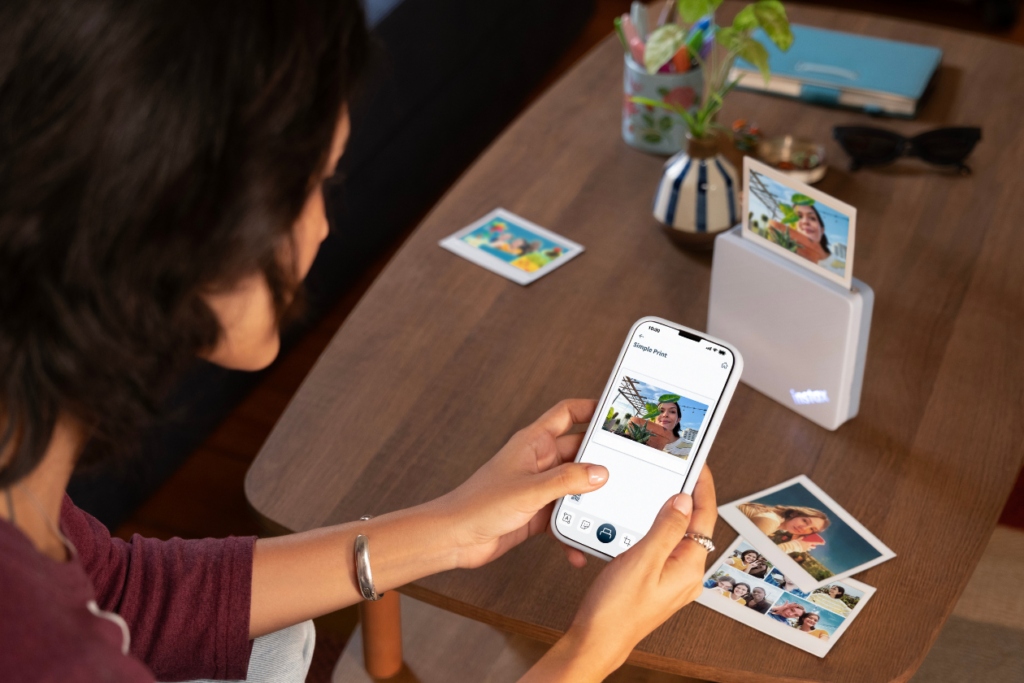
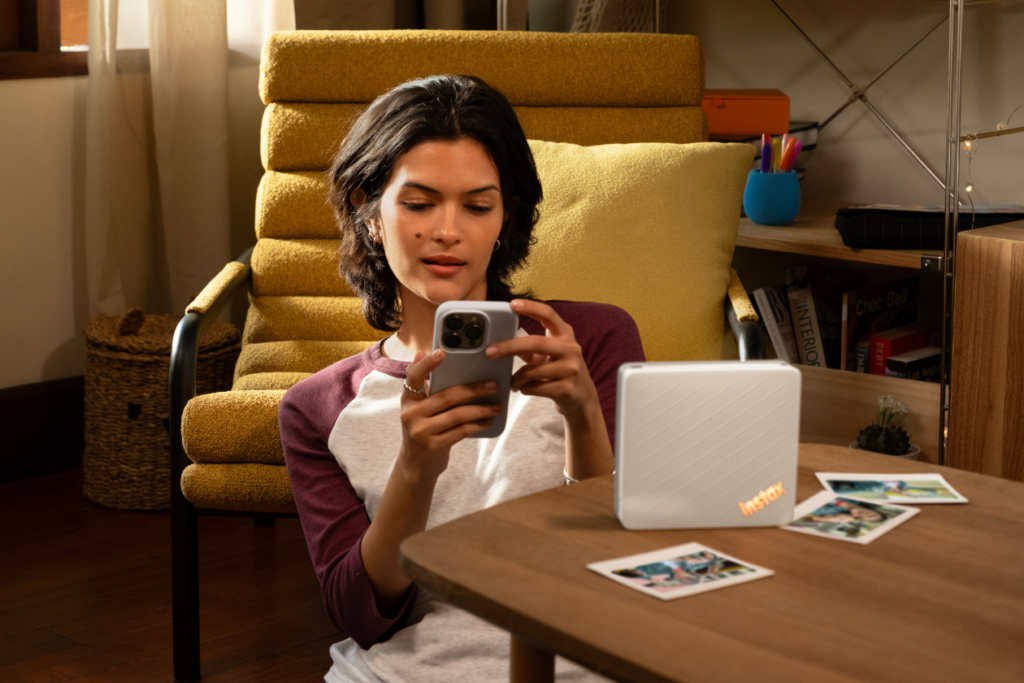
instax Link WIDE™ built its whole reputation on being stupidly simple. Connect to the instax Link WIDE™ app over Bluetooth, pick a photo from your gallery, and print. That's most of the experience, and it's why it became a go-to for group hangs, festivals, and any night out where everyone wants a print in hand before they leave. It's small enough to sit on a table and do the rounds while everyone's still there.
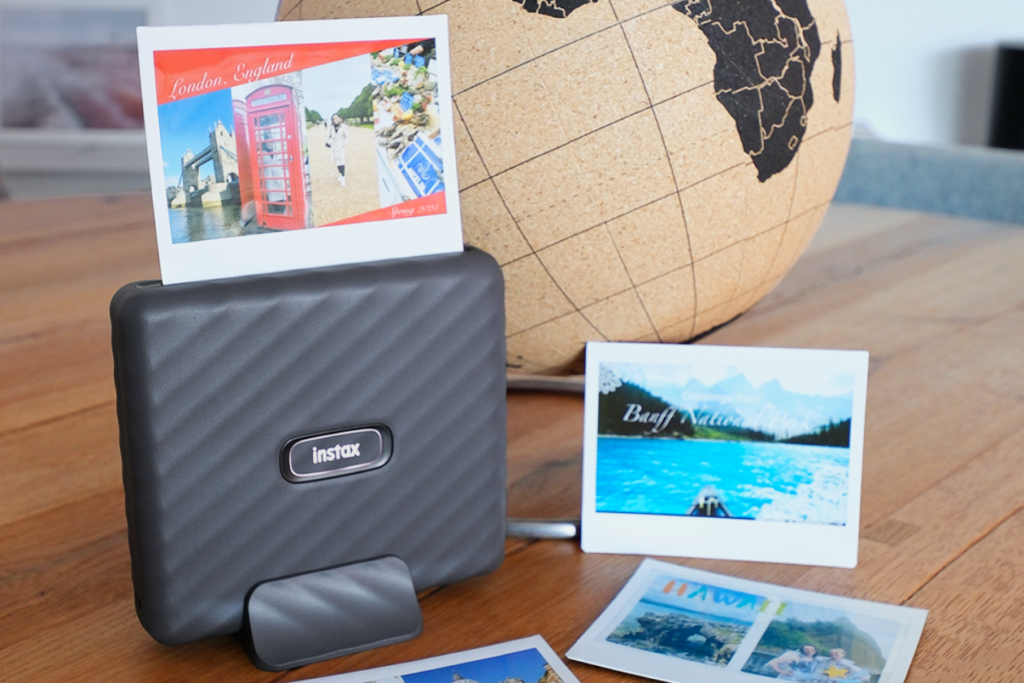
Dig a little deeper into the app, though, and there's more going on than "just print" lets on. QR print mode lets you tuck a hidden link, a voice note, or a location pin into a print, so a photo comes with its own backstory attached instead of just a picture. Collage print squeezes a few shots onto one WIDE print, with a handful of layouts to flick through, ideal for the group shot you took forty versions of and can't choose between. Dozens of editable templates are up for grabs too, if you want something more designed than a plain white border. There's also a sizeable sticker library for personalising a print.
Colour-wise, you're choosing between instax-Natural Mode™ for something closer to true-to-life tones, and instax-Rich Mode™ if you want your colours turned all the way up. Small setting, different feel once a print's out and in your hands.
None of that's going anywhere with instax Link WIDE 2™. If phone-to-print simplicity is all you're after, the original still does exactly that job, and it'll keep doing it for as long as you own it.
What's new in instax Link WIDE 2™
instax Link WIDE 2™ brings three upgrades to the format:
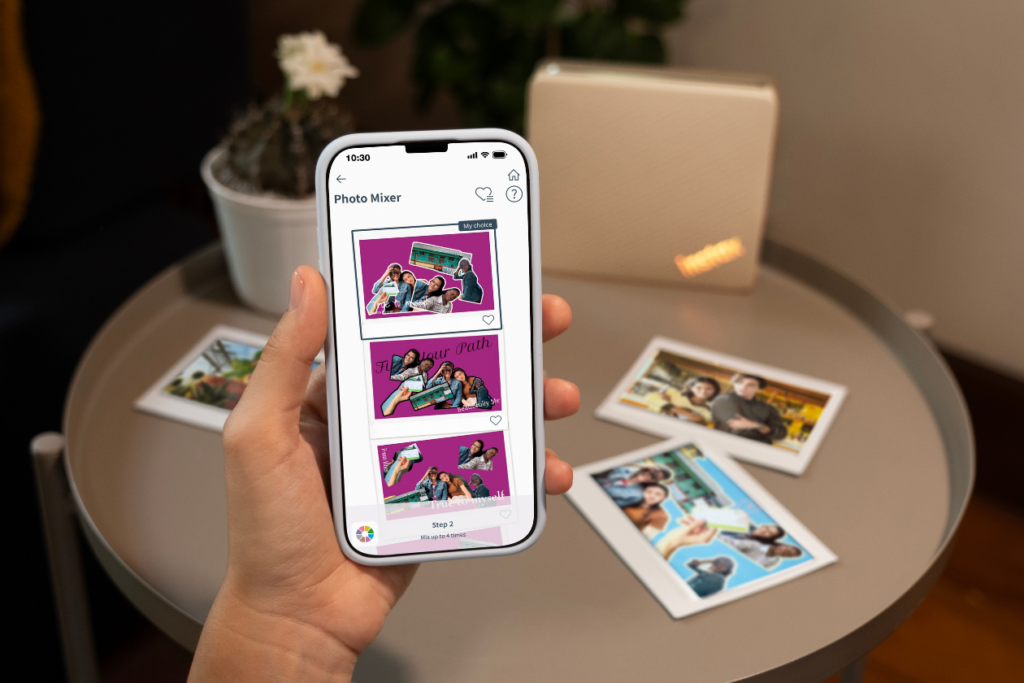
- A photo mixer app, for layering multiple photos into one scrapbook-style print
- Printing straight from your Mac or PC, on top of the usual phone connection
- A faster print speed
The photo mixer app is the headline change, and probably the one worth getting excited about first. Instead of picking a single photo and printing it as-is, you can layer several shots into one composition. A whole night out becomes one print instead of five separate ones fighting for space on your wall. Think of it as building your gallery wall before anything's even left the printer.
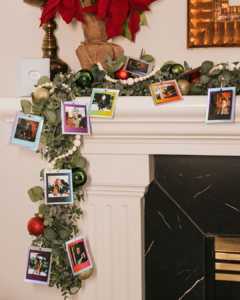
That's particularly handy if display is half the reason you print WIDE in the first place. Layer four shots from the same day into a single print, then slot it into a multi-aperture frame on your desk. Line a few finished prints along a shelf ledge or a magnetic board instead, and you've basically built a scrapbook wall without any cutting, glue, or faff involved. Mix in a few mini or SQUARE prints alongside your WIDE ones and the whole thing starts to look properly curated rather than thrown together.
It's a good fit for a new room, too. Moving into halls or a new flat this autumn and trying to make it feel like yours? A few layered WIDE prints in a multi-aperture frame do more work than a single small photo ever could. It's one of the easiest ways to make a bare wall feel lived-in within the first week. Swap a couple of prints out every so often and the display keeps pace with whatever's actually going on, rather than freezing one moment in time forever.
instax Link WIDE™ was always phone-only. instax Link WIDE 2™ drops that limit: connect a Mac or PC through downloadable driver software, and your photos no longer need to be sitting in your phone's gallery to make it to print. Screenshots, downloaded pics, anything parked in a folder rather than an app, all printable now. Handy if you've got a laptop that's basically become your main photo album, or years of shots that never made the jump to your phone in the first place.
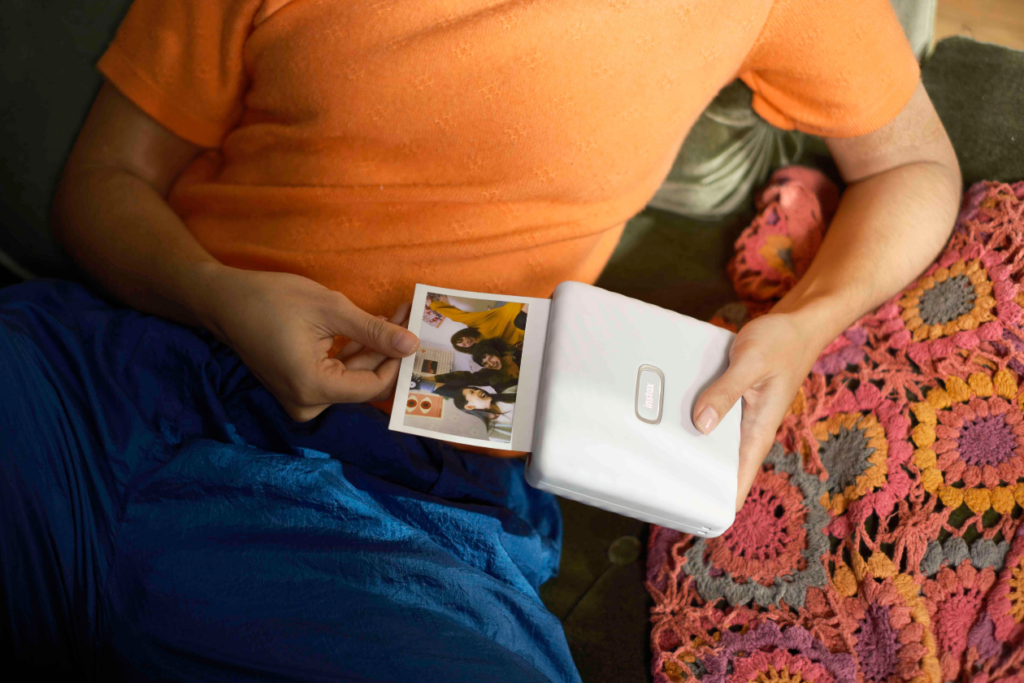
Getting a print into someone's hand is quicker too, on instax Link WIDE 2™. For reference, the original takes somewhere around twelve seconds to feed a print out, which is barely anything when it's just you, but starts to drag once there's a queue of people waiting on theirs. If you're printing for a group, every extra second per person adds up fast, and a shorter wait means everyone's got their print before the moment's already moved on to whatever's happening next.
Should you upgrade, or is the original still enough?
Keep the original if:
- You mainly print straight from your phone and that's all you need
- You're already using QR print mode, collage print, or the templates and stickers, and none of that's changing
- You're not fussed about printing from a laptop or shaving seconds off the wait
Look at instax Link WIDE 2™ if:
- You want to layer multiple photos into one scrapbook-style print instead of choosing just one
- You've got photos parked on a Mac or PC that you want off the screen and onto film
- You're usually printing for a group and want the wait cut down
If instax Link WIDE™ already covers what you need it for, there's no rush to switch. It'll carry on printing the way it always has. instax Link WIDE 2™ makes more sense once the photo mixer, the laptop printing, or the shorter wait solve a problem you've noticed. It's the same easy phone-to-print setup underneath, just with more range.
Either way, film's the one thing you'll need regardless of which printer ends up in your hands. instax™ WIDE film isn't included with either printer, so it's worth stocking up before you're caught without a pack right when the moment calls for one. The good news if you're upgrading: instax Link WIDE 2™ takes the same instax™ WIDE film as the original, so any packs already sitting in your drawer will work exactly as they did before. It's the same film the instax WIDE 400™ camera uses, as well.
Still torn on which one's right for you? Head to the instax Link WIDE™ page for the full spec rundown before you decide, or check our printer buyer's guide if you're weighing it up against the rest of the instax™ printer lineup. Whichever one ends up in your hands, the goal's the same: more of your photos off your phone and out where your friends can actually see them.
For the complete spec breakdown on instax Link WIDE 2™, check out our full launch rundown.